How to Make the Most of Your FG-NET System
How to Make the Most of Your FG-NET System
Best practices for end users & facility managers

The FG-NET is much more than a leak detection controller. It is a powerful digital platform designed to help you protect critical areas, simplify maintenance and gain full visibility over your liquid leak detection system. By using all its features and free tools, you can significantly improve reliability, efficiency and ease of operation.
Here are some best practices to fully benefit from your FG-NET system.
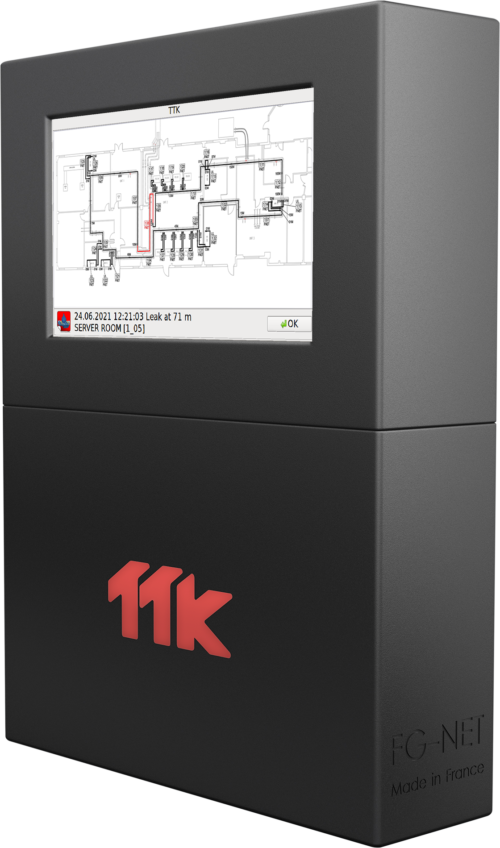
- Keep your firmware up to date (free)
FG-NET Firmware updates bring new functions, performance improvements and better user experience.
👉 Best practice:
Update your FG-NET as soon as a new version is available (latest v4.6.9 – Jan 2026, download here).
Think of it as a free upgrade for your system.

- Enable maintenance reminders
Leak detection systems are safety systems, and regular checks are essential. FG-NET allows you to activate maintenance reminders directly in the controller.
👉 Best practice:
Set reminders according to your maintenance plan (for example every 6 or 12 months) via the FG-NET interface.
This helps avoid forgotten inspections, improves reliability and simplifies maintenance planning.

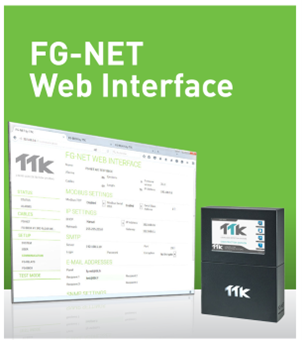
- Use the FG-NET Web Interface (free and powerful)
The embedded FG-NET web interface is your main tool for configuration of FG-NET and its satellite devices in real time, as well as simulation and alarm testing.
With it, you can configure zones and cables, adjust alarm thresholds, visualize system status in real time and access advanced diagnostic functions.
👉 Best practice:
Use the web interface instead of the front panel for faster, clearer and more precise system management.
🛠️ Useful tool: FG-NET Web Interface set up user guide (link)
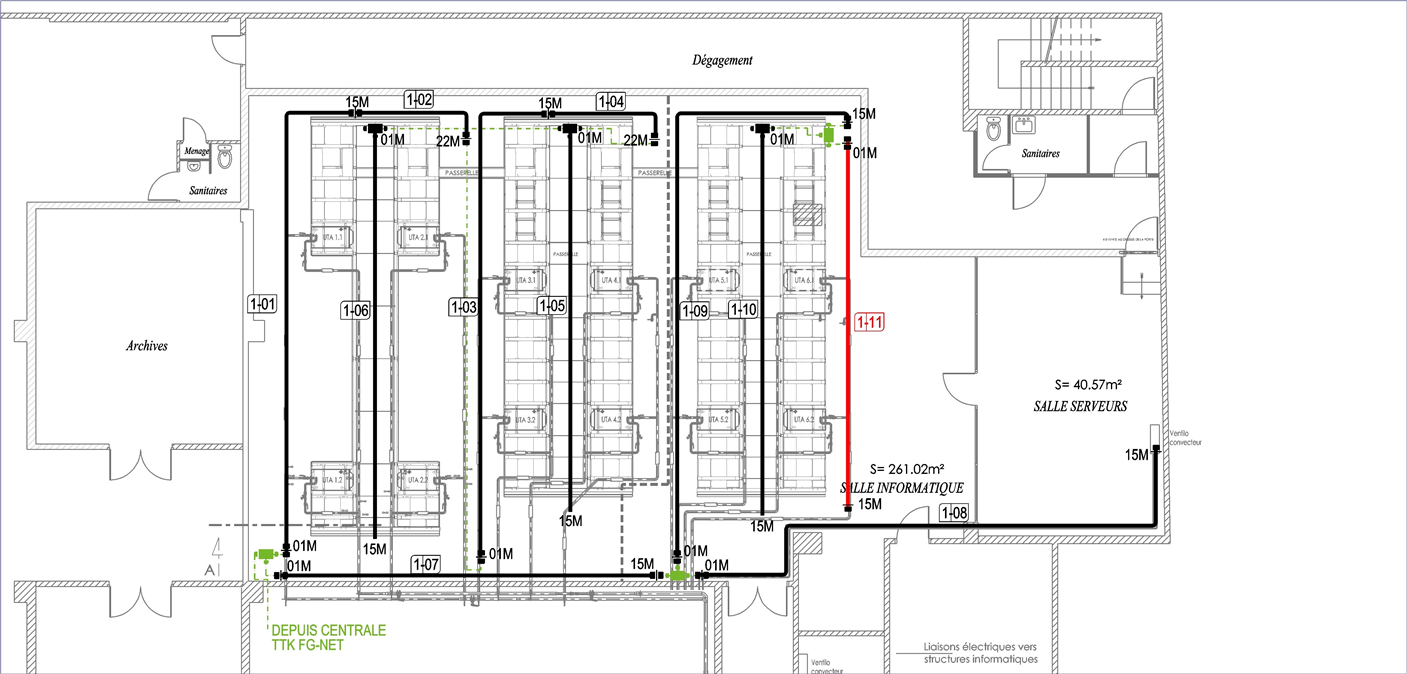
- Upload maps for clear and pinpoint alarm localization
By uploading floor plans or layout drawings, alarms become visual and immediately understandable.
Instead of technical messages like “Zone E3 – Cable 22 – 15 m”, operators see exactly where the leak is on a dynamic map.
This dramatically reduces response time and improves on-site efficiency.
👉 Best practice:
Always upload site maps into the FG-NET system for each monitored area.
💡 TTK can support you with professional map integration services for clear, accurate and easy-to-read layouts. Contact our team.
- Use FG-NET as a central monitoring point
FG-NET easily connects to BMS, DCIM and site monitoring platforms to centralize alarms and events, and to trigger actions such as email notifications.
This allows all critical information to be managed from a single monitoring interface.
👉 Best practice:
Connect FG-NET to your global supervision systems to centralize alarms, improve traceability and reduce reaction time.
🛠️ Useful tool: FG-NET BMS Point Table (here)
An Excel file ready to be completed, simplifying the configuration of communication points with your BMS.
- Extend FG-NET with satellite devices
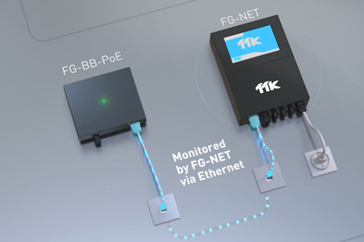
FG-NET manages, via a standard Ethernet network, multiple satellite devices that expand its capabilities, such as:
- FG-BBOX and FG-BB-PoE: sub-panels (with traditional power supply / with PoE power supply) that extend the system with additional sensing cable circuits
- FG-RELAYS: 24 external relays for advanced alarm management
- Battery Backup: external batteries to ensure continuity of operation
These devices allow you to scale your installation and adapt it to larger or more complex infrastructures.
👉 Best practice:
Expand your FG-NET capacity using satellite devices to match your site requirements.
💡Read our Case Studies: an office building in Singapore ; a new commercial building in London.
Contact our team for support in system design and architecture.
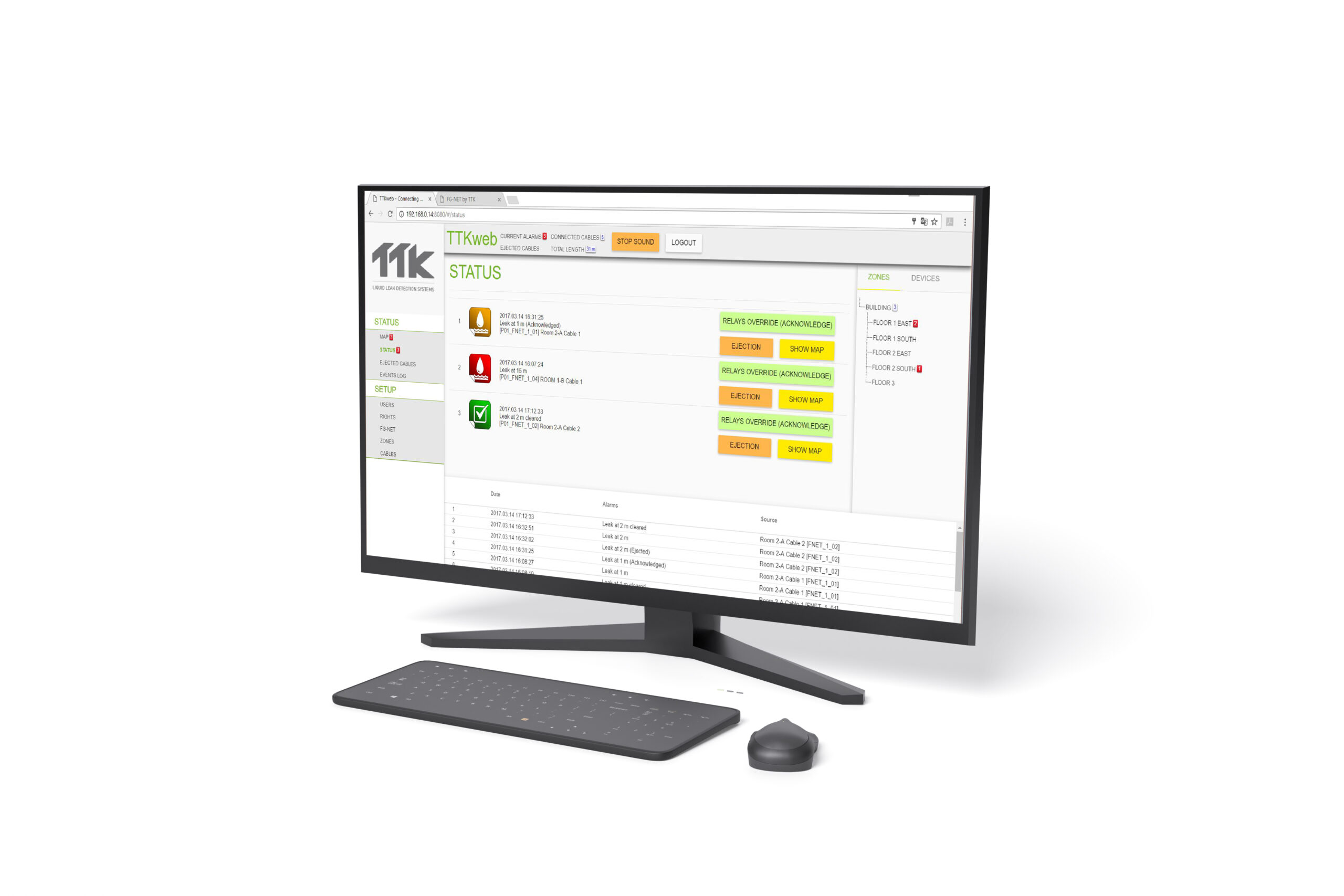
- Use TTKweb for centralized supervision and large installations
For multi-site installations, data centers or campuses, TTKweb takes FG-NET to the next level.
It allows you to:
- Manage multiple FG-NET panels from a single platform
- Visualize alarms on dynamic maps
- Supervise installations 24/7
- React immediately to events and alarms
👉 Best practice:
Use TTKweb as your main management platform when centralized supervision and remote monitoring are required.
💡Read our Case Studies with TTKweb: A research center in France; National bank of Kuwait.
💡 Contact us to add TTKweb to your installation.
- Document your system configuration
Keep a simple but updated record of:
- Firmware version
- Cable layout
- Zone configuration
- Communication settings
This documentation is essential for maintenance teams, troubleshooting and future system extensions.
In short
To make the most of your FG-NET system:
- Update firmware regularly
- Activate maintenance reminders
- Use the FG-NET Web Interface for easy configuration
- Upload maps for visual alarm localization
- Integrate FG-NET into your monitoring systems
- Extend FG-NET with satellite devices
- Use TTKweb for centralized supervision
- Keep your configuration documented
Used at its full potential, FG-NET becomes a smart, visual and proactive safety platform for protecting your critical infrastructure.
We are here to help you optimize your system. Please reach out to your usual point of contact or contact us here.